


Products
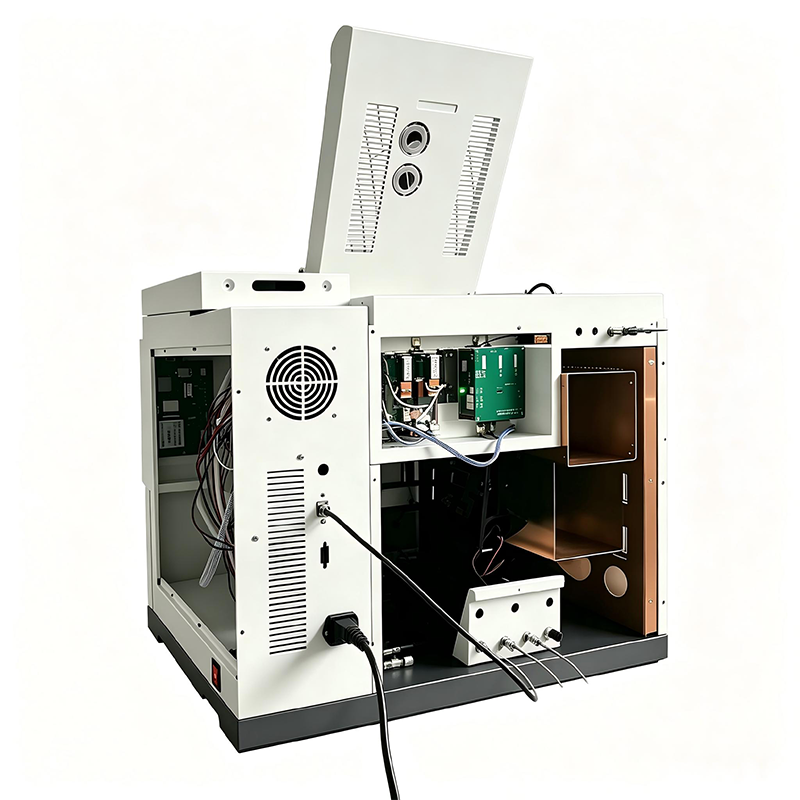
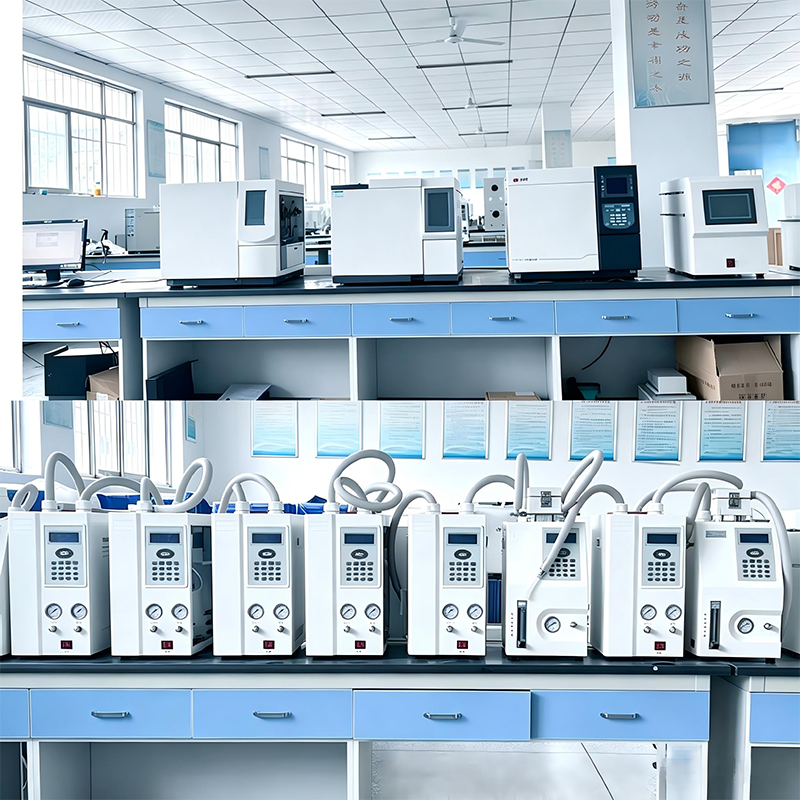


Automatic gas sampler GAS-10A
Description and purpose of the device GAS-10A is an automatic, intelligent device for introducing gas samples, controlled by specialized solenoid valves and equipped with a large-format LCD touch screen. Sampling gas bags are widely used in...
Description
marker
Description and purpose of the device
The GAS-10A is an automatic, intelligent gas sample injection device controlled by specialized solenoid valves and equipped with a large format LCD touch screen. Gas sampling bags are widely used in various industries for sampling gaseous media. After sampling, the packages are delivered to the laboratory for analysis. The multi-channel autosampler greatly simplifies the process of sequentially introducing samples from multiple gas bags, providing automatic analysis of up to 10 bags.
The GAS-10A fully automates the sample introduction process, reducing labor costs and increasing efficiency. The need for manual input is eliminated, which minimizes the influence of the human factor. Samples collected in gas bags should be analyzed as soon as possible. When multiple samples need to be analyzed within a limited period of time, the operator can specify the injection sequence, which ensures that each sample is analyzed within its expiration date. GAS-10A is designed for automatic injection of gas samples.
The device is suitable both for use in educational and research institutions as auxiliary equipment, and for everyday analytical work in industrial enterprises and the chemical industry. The automated, intelligent operation of the device makes the analysis process as simple and convenient as possible.
Equipment installation
Connect the instrument communication lines to the chromatograph.
Procedure:
1. Connect the signal cable. Connect the sample inlet and outlet lines to the appropriate connectors, ensuring unimpeded gas flow into the instrument. The appliance must be installed in a well-ventilated area with efficient exhaust.
2. Connect the standard power cable of the device to a 220 V outlet. The outlet must be grounded securely.
Preparing for work
Prepare calibration gas mixtures and gas bags with analyzed samples necessary for measurements.
Operating instructions
1. Power on the instrument and wait for the touch screen interface to load.


1.Connect the gas bag to the sample injection port. According to the port number on the instrument panel, select the corresponding number on the touch screen (the color of the selected item will change from light blue to green). Press the Start button to begin sample injection.
2.After completing the analysis of a series of samples, remove the used bags.
To set the time, click on the clock icon in the upper right corner of the screen - the time setting interface will open.
To change device parameters, go to the “Parameter settings” section.
To manually control individual components of the device, go to the “Manual mode” section.
Maintenance and Precautions
The analyzed gas must be clean, without solid particles and mechanical impurities, as they can damage the pumping equipment of the device.
Gas samples should be dried whenever possible and excess moisture should be avoided.
After completing the analysis, it is recommended to disconnect the gas bags from the device.
Delivery contents
1. Power cable - 1 pc.
2. Signal cable - 1 pc.
3. Gas line - 2 m.
4. Nuts for gas connections and sealing rings - 4 pcs.
5. Short stainless steel tubes - 2 pcs.
6. Certificate of conformity - 1 pc.
contact us
Related Popular Products

Automatic headspace sampler AHS-6890
Purpose and areas of application The sampler for headspace analysis is...

Gas chromatograph GC-2011
Product Description Model GC-2011 is a modern gas chromatograph with...

Air generator JPA-3L
General Information Low Noise Air Generator with Cleaning Function JPA-3L Area...

JP-301Q Fully Automatic Chromatograph for Analyzing Gases Dissolved in Transformer Oil
Product Description JP-301Q is an intelligent system that integrates...

Single pump system
Main Features Features of High Pressure Constant Flow Pump: Automatic...

Visible spectrophotometer 722
Description of the device This device is widely used in various fields, including medicine...

CS996 Infrared Carbon and Sulfur Analyzer
Description of the device Infrared carbon and sulfur analyzer model CS996 complete with...

High performance capillary chromatography columns
Product Description Capillary column is a key gas separation element...

JP-12APro Headspace Sampler with Large Format Digital Display
Product Description Number of bottle positions: 12. JP-12APro is equipped with a full ...

Multi-functional automatic sampler for gas chromatograph JP-AS110
Product Description JP-AS110 is a cost-effective automatic sampler...

Multi-functional automatic sampler for gas chromatograph JP-AS160
Product Description JP-AS160 is a cost-effective automatic sampler...

Electronic analytical balance FA1004B
Product Description FA series electronic analytical balances are designed using...

Two-stage thermal desorber with automatic sample injection JX3
Product Description JX3 is a sample preparation device that uses...

JPND3001 Fully Automatic Kinematic Viscosity Analyzer
Features of the device 1. Equipped with a 7-inch high-resolution color touch screen...

Liquid Autosampler JP-AS3020A
Product Description JP-AS3020A is a new automatic sampler...

Gas chromatograph GC-8890
Main functional features Network control, anti-control, EPC control...


